
Usage
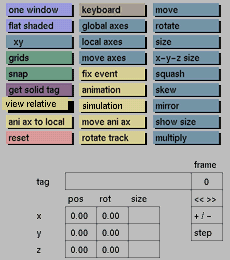
Click the view relative toggle button to activate it. Click again to deactivate.
Comments
It is advisable to deactivate the view relative toggle button while animating rotations. These will then be entered relative to the position of the (local) ani axes. This will give a more predictable result than working in the view relative mode.
See also
animation


