
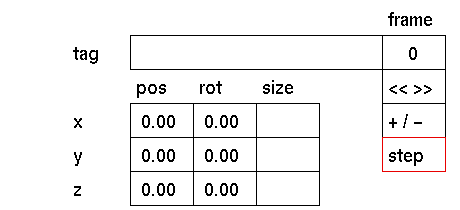
Purpose
To set the step size for the +/- input box.
Usage
Click the step input box to activate it. In the status area the following prompt will appear:
step value (1.00)

In response to this prompt, you can type the new step value and confirm by pressing <enter> or the left mouse button.
Comments
The default step value is 1. When prompted with the step value (1.00), the value between brackets is the actual current value. Having changed this value, it will remain valid until changed again.


