
Usage
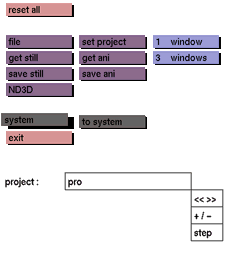
Click the system button to activate it. In the status area the following UNIX prompt will appear:
<UNIX>
In response to this prompt, enter the line of UNIX commands to be executed.
Comments
If the entered UNIX command generates text output, the menu area will be cleared, and the text displayed. If there is more text than can be displayed in the menu area, the text that fits will be displayed and the message - More - will be displayed. Press any key on the keyboard to display more of the text. When there is no more text, the message - End - will be displayed. Press any key on the keyboard to return to the general menu. To abort the display of any message hold down the <shift> key and press <!>.
The system button is recommended only for advanced users with a sound knowledge of the UNIX operating system.
Only one line of commands may be entered in response to the prompt, for example:
df <enter>: check the available space on the system
ls <enter>: list the contents of the current directory
pwd <enter>: print the present working directory
If you want to do more than a one line system call, use the to system button or exit GIG.
See also
to system



