

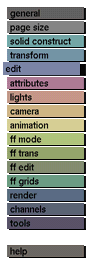
Purpose
To edit a nurbs model in the nurbs modeler.
Usage:
First activate the nurbs model you want to edit, then click on the edit nurbs button to activate it. The nurbs modeler will be started with the selected model displayed in the windows. The nurbs model can now be transformed. To confirm the transformation, save the transformed nurbs model using the name:
'.editnurbs'
and then select exit.
The transformed nurbs model will be placed in the GIG tree.
To cancel the transformation, press exit without saving the nurbs model.



