
Purpose
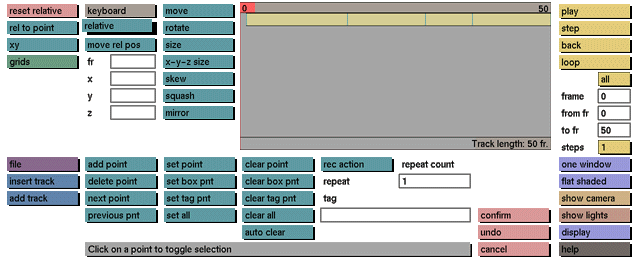
While this toggle button is active, all transformations will relate to the position of the relative axes.
Usage
Click the relative toggle button to activate it. The relative axes will be displayed at their current position. Click the toggle button again to deactivate it.
Comments
While this toggle button is active the following functions will be using the position and orientation of the relative axes: move, rotate, size, x-y-z size, squash, skew, mirror. The position of the relative axes can be changed when the move rel pos toggle button is active as well. The x axis is represented by a red line, the y axis by a yellow line, and the z axis by a blue line.
See also
move rel pos


