
Usage
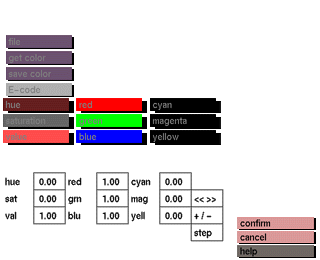
Click the one of the buttons to activate it. All of the menu except for the larger box will disappear. A slider box will appear to indicate the amount that the current button is contributing to the color. While holding the middle mouse button down and moving the mouse sideways, the contributing amount can be changed. Press the left mouse button to return to the color submenu.
Comments
Red, green, and blue are the primary colors. Their complementary colors are cyan, magenta, and yellow, as follows:


